
From Infrastructure Chaos to Security Control: How We Automated Patch Management Across a Large Server Environment
Author: Ivan Zvezdarski Sep 30, 2026
System administration and support for physical and virtual business servers in Sofia and across Bulgaria: Windows and Linux servers and Proxmox server virtualization (including migration from VMware, Hyper-V and VirtualBox), at the client's office or in our own cloud. Support for a basic file server starts at EUR 50 per month excl. VAT. For virtualization servers, complex systems and specific applications, the price is set after a review. Support includes 24/7 monitoring, updates and response according to the plan. Suitable for companies with or without an in-house IT team or system administrator that want their servers to run without surprises.

Subscription server support and administration includes 24/7 monitoring, updates, backups with restore testing, protection and documentation. We do not wait for a server to fail: we watch its condition all the time, update it on a schedule and check that backups can really be restored. If needed, we also supply new or refurbished servers sized for your workload and support them as part of the subscription. This gives you server system administration without an in-house system administrator: management of Windows and Linux servers, users and permissions, IP addresses and network settings. Server support also includes incident response: in case of a failure or an attack, our IT team responds within the response time of your plan.

What happens to your systems at night?
Support is for companies that keep files, databases and business applications on a server and do not want to hear about a problem from their own staff.

We watch your servers continuously with Zabbix: load, free space, disk health, critical services and availability. When something drifts from normal we get an alert and react before the problem stops work. RAID arrays matter most: one failed disk does not stop the server, so without an alert nobody notices until the second one fails.

We update operating systems and services on a schedule, so servers do not go for months without critical fixes. We track which systems are updated and which are waiting, and pick a suitable restart window so work is not disturbed.
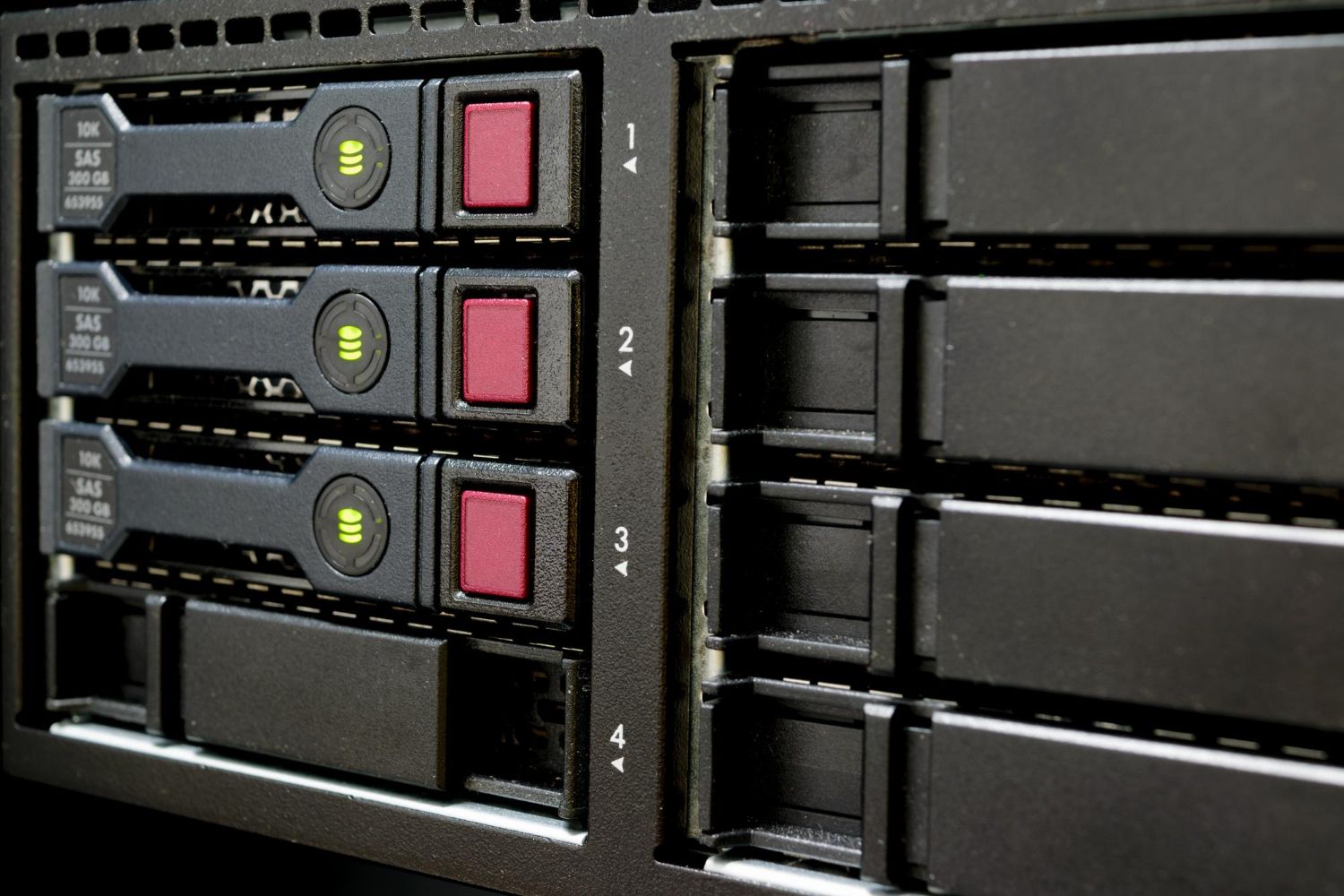
A backup nobody has restored is not a guarantee. We set up scheduled backups, watch every job and check regularly that the data can actually be brought back.

We protect the server with device-level EDR and a firewall that leaves access open only to the services that are needed. This protects data security and lowers the risk of compromise, especially for systems reachable from the internet. EDR is included in the Professional plan and is an extra on Standard.

We document every server: roles, applications, network settings, backups and contacts. When a recovery or a hardware replacement is needed, we do not start from zero.

On 12 January 2027 Microsoft stops security updates for Windows Server 2016, and Windows Server 2012 and 2012 R2 have had no updates since October 2023. A server without updates is an easy target for ransomware and a weak point in a NIS2 check. Windows Server licenses are charged separately.
- we will review the versions and tell you which ones to upgrade first.
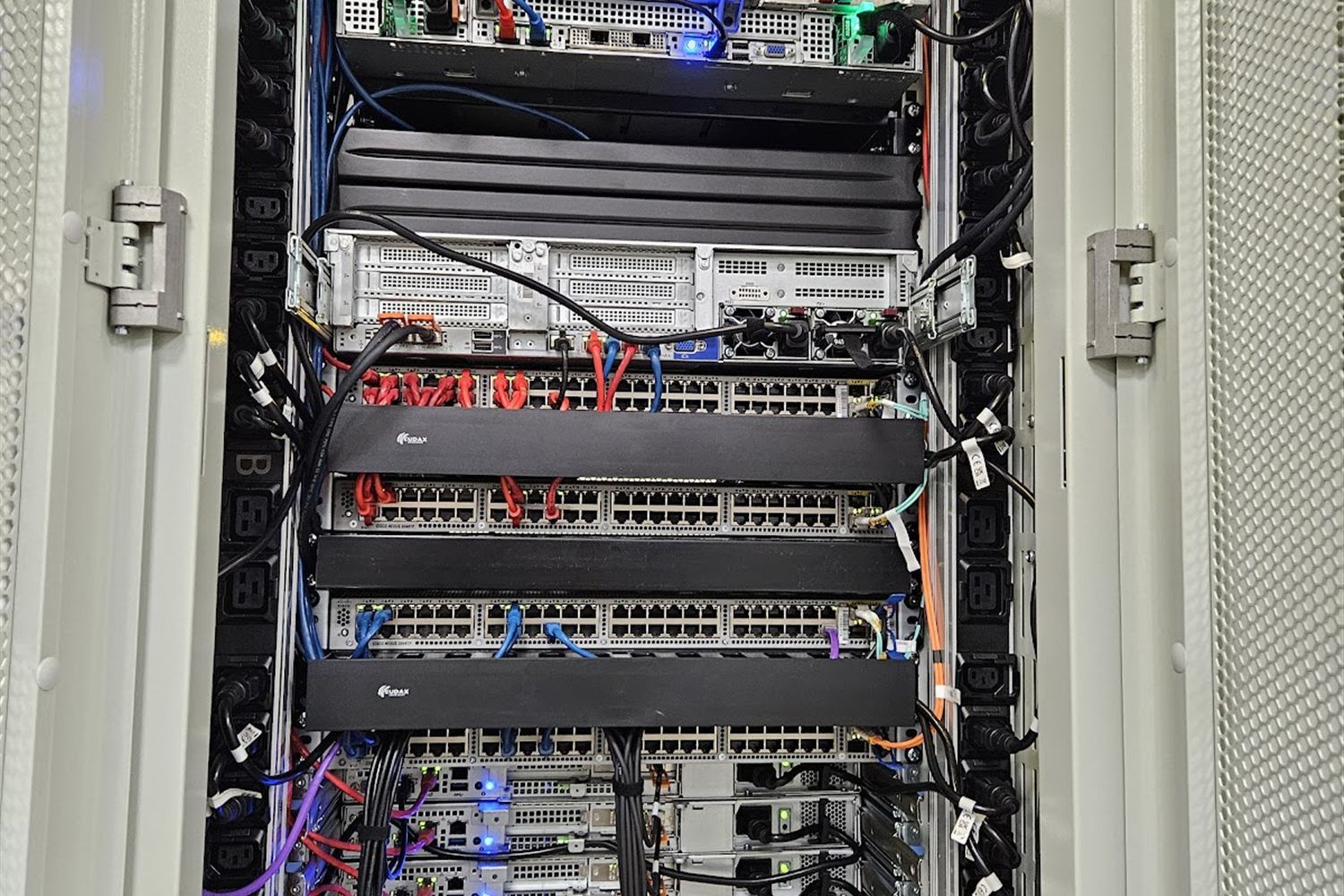
Monitoring runs 24/7 in all plans: a stopped server, a full disk, a failed RAID disk or a stopped service is detected immediately. In practice we pick up most requests almost at once and resolve 95% of them the same day.
We support a single company server as well as whole environments, wherever they run: at your site, at ours, or in both places.

We support physical servers in the client's office or server room: Windows and Linux, file and application servers. We monitor the hardware, update the system and provide backups.

We build and support Proxmox virtualization, where several servers run on shared hardware. You use resources better and can extend and recover systems more easily. We migrate virtual machines from VMware, Hyper-V and VirtualBox to Proxmox. Our own cloud cluster runs on Proxmox and Ceph as well.

Virtual servers can also run in our cloud infrastructure in a data center that we design and maintain ourselves. There is no single point of failure: if one element stops, the standby takes over immediately.
Virtual servers in our infrastructure are offered only to subscription support clients.
We review the servers, applications, backups and access, and decide what is critical.
We connect the servers to Zabbix and set thresholds and notifications.
We set up a schedule for updates and backups, plus EDR and the firewall.
We respond to alerts and requests according to the plan and keep the system healthy.
You see the status and requests in the client portal, and we suggest improvements: capacity, replacement, migration.
If you recognize any of the following, it is probably time for subscription support.
Nobody watches the server until it stops
The server has not been updated for months
The RAID array runs with a failed disk and nobody has noticed
You are not sure the backups can be restored
The system runs software whose support has ended (EOL)
A server replacement or a move to virtualization or the cloud is coming
The price depends on the type of server. Basic file server: from EUR 50 per month excl. VAT. Example: a company with 10 computers and one file server pays EUR 250, 350 or 450 per month excl. VAT depending on the plan. Backup storage on our servers, spare parts and licenses are charged separately.
from 50 €
per month excl. VAT
A file server for shared office documents, with 24/7 monitoring, updates and backups. EDR depending on the plan.
Quoted
after a review of the environment
The price is set after a short review: number of servers, roles, applications and availability requirements.
Companies choose Helpdesk Bulgaria when they want a partner who is accountable for their servers, not an occasional technician. We have worked since 2005, monitor servers 24/7 with Zabbix, and our own cloud cluster runs on Proxmox and Ceph.
Describe your needsOne partner for servers, backups, security and cloud
Monitoring spots problems before your staff feel them
A documented environment that does not depend on one person
Support sized to your environment, not a universal template
A server is a computer built to run day and night and serve the other computers on the network: shared files, business applications and databases, users and passwords in one place, and backups. A company needs a server when several people work with shared data or applications. For a small office a NAS or the cloud is sometimes enough - we will review your environment before proposing a solution.
From EUR 50 per month excl. VAT for a basic file server. For virtualization, complex systems and specific applications, the price is set after a review of the environment.
24/7 monitoring with Zabbix, updates and patch management, backups with restore testing, a firewall and EDR (depending on the plan), and documentation of the environment.
Physical and virtual servers running Windows and Linux, and Proxmox virtualization, at the client's office or in our cloud.
Yes. Remote support and monitoring cover all of Bulgaria. We visit clients on site in Sofia, and outside Sofia by arrangement for an extra travel fee.
Yes. Server support is a standalone service and we do not have to take over your computers as well. If you wish, we can combine it with computer support.
Monitoring runs 24/7, so a server or critical service going down is detected right away and an alert is raised. Response follows the guaranteed response time of your plan, and we agree out-of-hours work in advance.
In practice, we pick up most requests almost immediately and resolve 95% of them the same day. We guarantee a maximum response time by plan: within 8 hours on Remote, within 2 hours on Standard and within 1 hour on Professional.
Yes. We take over the servers and add capacity and expertise, while your internal team looks after users and applications.
Yes. We migrate virtual machines from VMware, Hyper-V and VirtualBox to Proxmox following a plan with tests and minimal downtime. Our own cloud cluster runs on Proxmox and Ceph as well.
Yes. We plan migrations with a dependency assessment, tests before and after the move and a clear execution window, with minimal downtime.
We start with a conversation about your needs. We review your environment - computers, servers, network, backups and access - as soon as you wish, before proposing a solution. Within 1 working day of the review we send you a plan and a price, and once you approve, we start straight away: we document the environment, switch on monitoring, take over access and make the first improvements.
Microsoft stops security updates. The server keeps running, but new vulnerabilities stay unpatched. We recommend migrating to Windows Server 2022 or 2025, or to a virtual machine on Proxmox, before that date. We do the inventory, the plan and the migration outside working hours.
Yes. We support Active Directory, group policies, users and access rights, DNS and DHCP on Windows Server, including when an employee joins or leaves.
Yes. We support the server, the operating system, backups and access. For the application itself we work together with its vendor, so it is clear who is responsible for what.
Backup storage on our servers, spare parts, licenses (Windows Server, Microsoft 365) and a virtual server in our cloud are charged separately. Labour for hardware repairs is included.
EUR 250, 350 or 450 per month excl. VAT depending on the plan, for 10 computers and one basic file server. We confirm the exact amount after a short review of your environment.
We take care of the servers and everything around them: users and permissions in the domain (Active Directory), group policies, shared folders, backups with tested restores, updates, 24/7 monitoring and documentation of the environment. If you also have computers, we add them to subscription computer support so you have one contact for everything.
Computers, laptops, and users via subscription.
Read moreVPN, Microsoft 365, migration, and cloud infrastructure.
Read moreData protection, access, and environment.
Read moreComputers, laptops, and users via subscription.
Read moreBriefly describe your environment (number of servers, roles and applications, offices) and we will propose a suitable plan and price.